Make it a tradition
Plan a Christmas sweatshirt with their story on it.
Start with a family photo, a holiday gathering, or a few words that feel like you. Choose a direction you’ll enjoy wearing, then check the details before it becomes a gift.
PrintGen field notes · September 2026
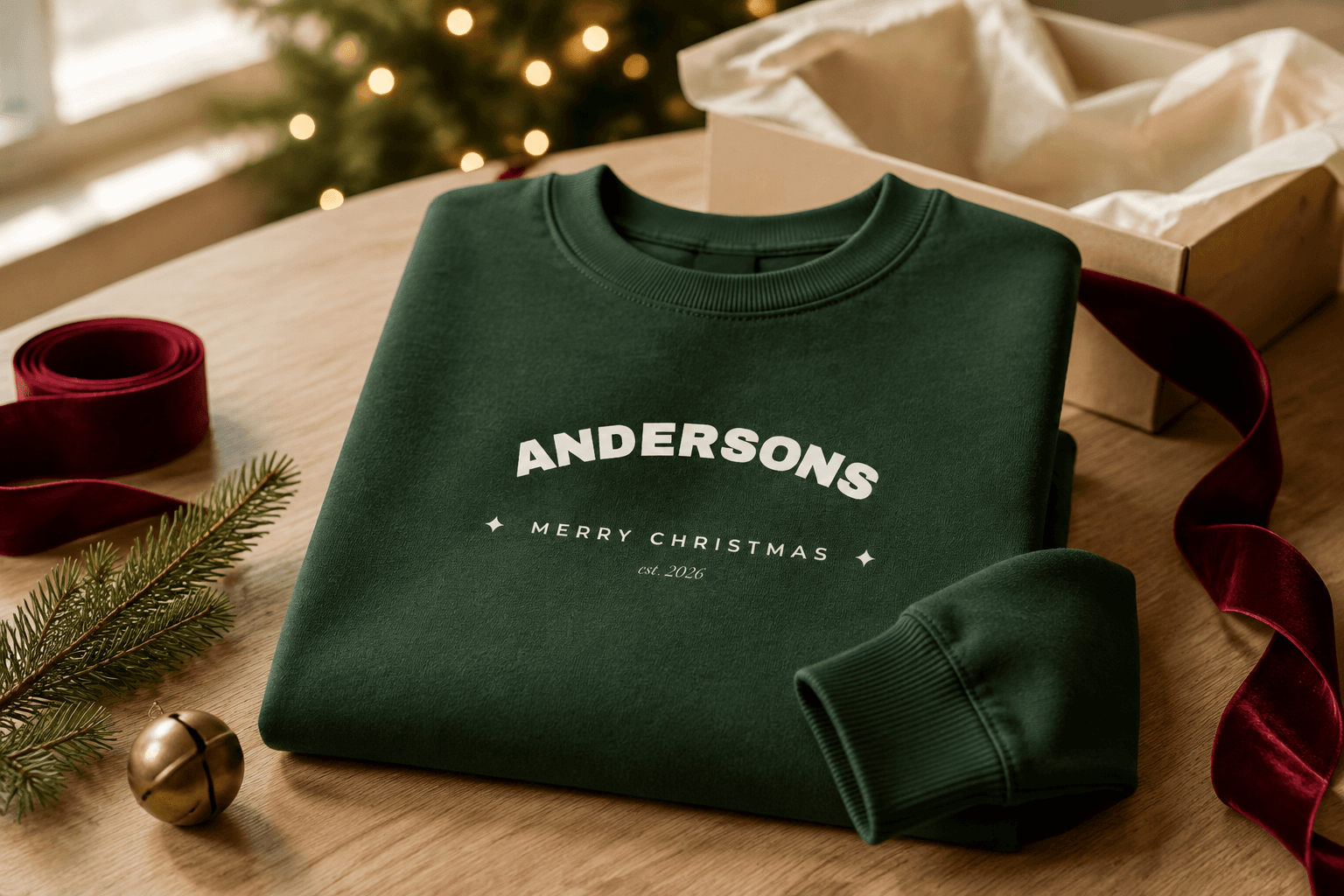
Have an idea of your own?
Use the Christmas occasion designer to describe your own gathering, memory, or message. Use this guide to check the gift details before ordering.
Create your own Christmas gathering design →Three directions for a personal holiday gift
These examples use the styles already available on the Christmas sweatshirt. Enter your own wording after opening a style, then review the preview. The pictured designs are template examples.
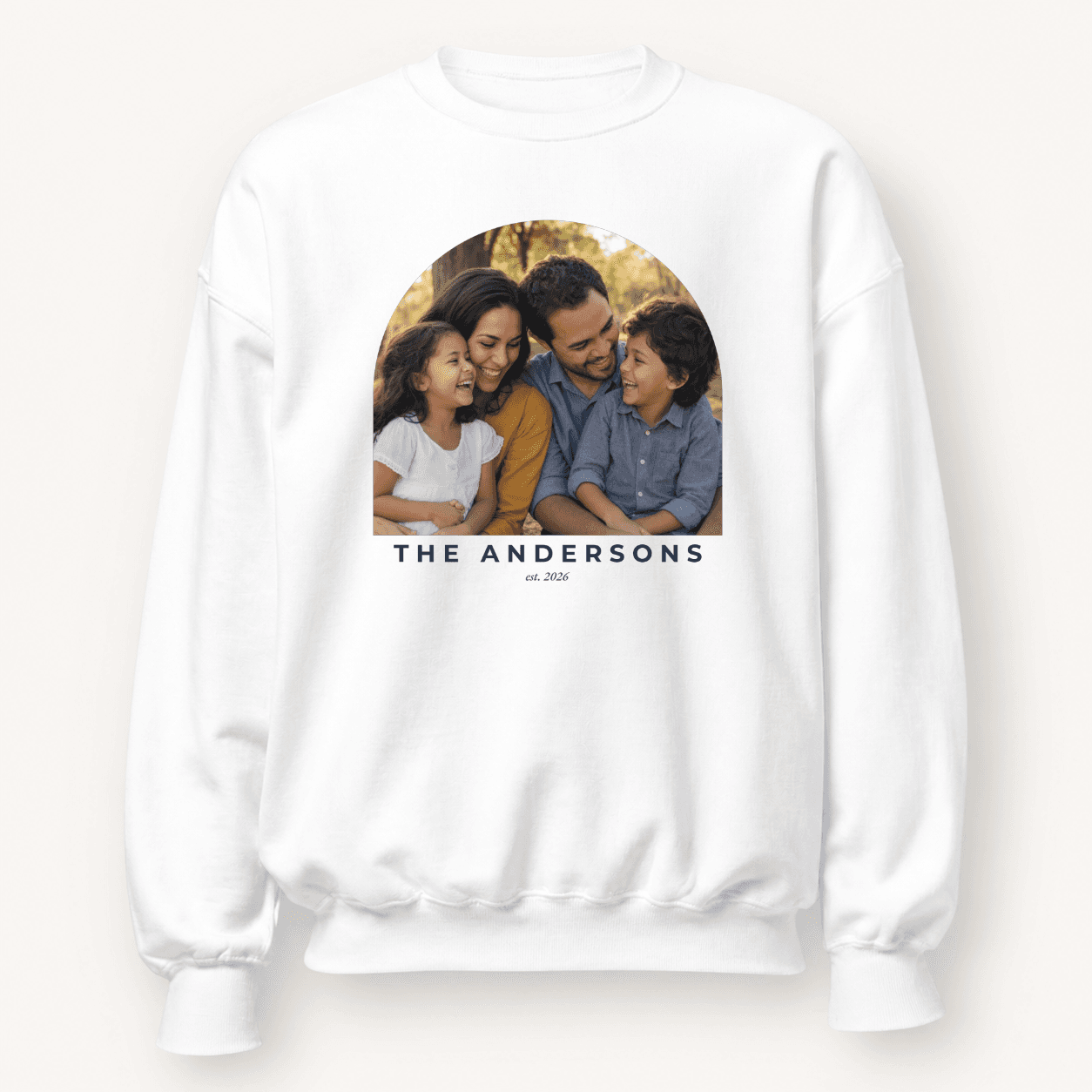
01 / Classic arch
The family-photo keepsake
Put a shared portrait at the center and keep the surrounding words simple. A family name and year can mark this particular Christmas.
Try: Name: “Andersons” / Year: “2026” / Photo: your own family portrait
Check every face in the generated preview. A busy group scene is harder to read than a close, clear portrait.
Personalize classic arch →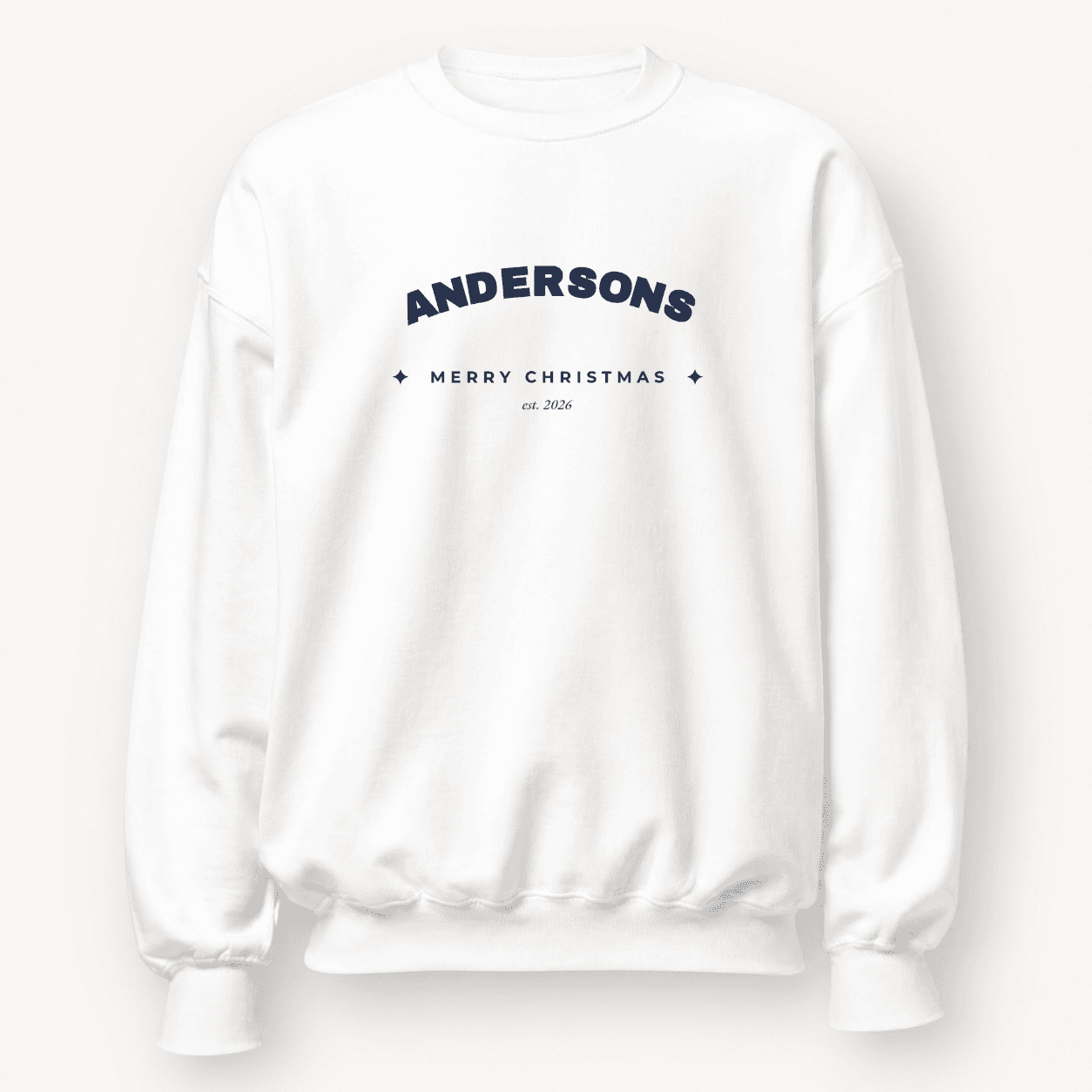
02 / Vintage badge
The Christmas-gathering badge
A compact badge brings the family name and occasion together without needing a photo. Useful when you want a coordinated set.
Try: Name: “Andersons · Merry Christmas” / Year: “2026”
Use a short name line, and check that the year is the gathering year you intend.
Personalize vintage badge →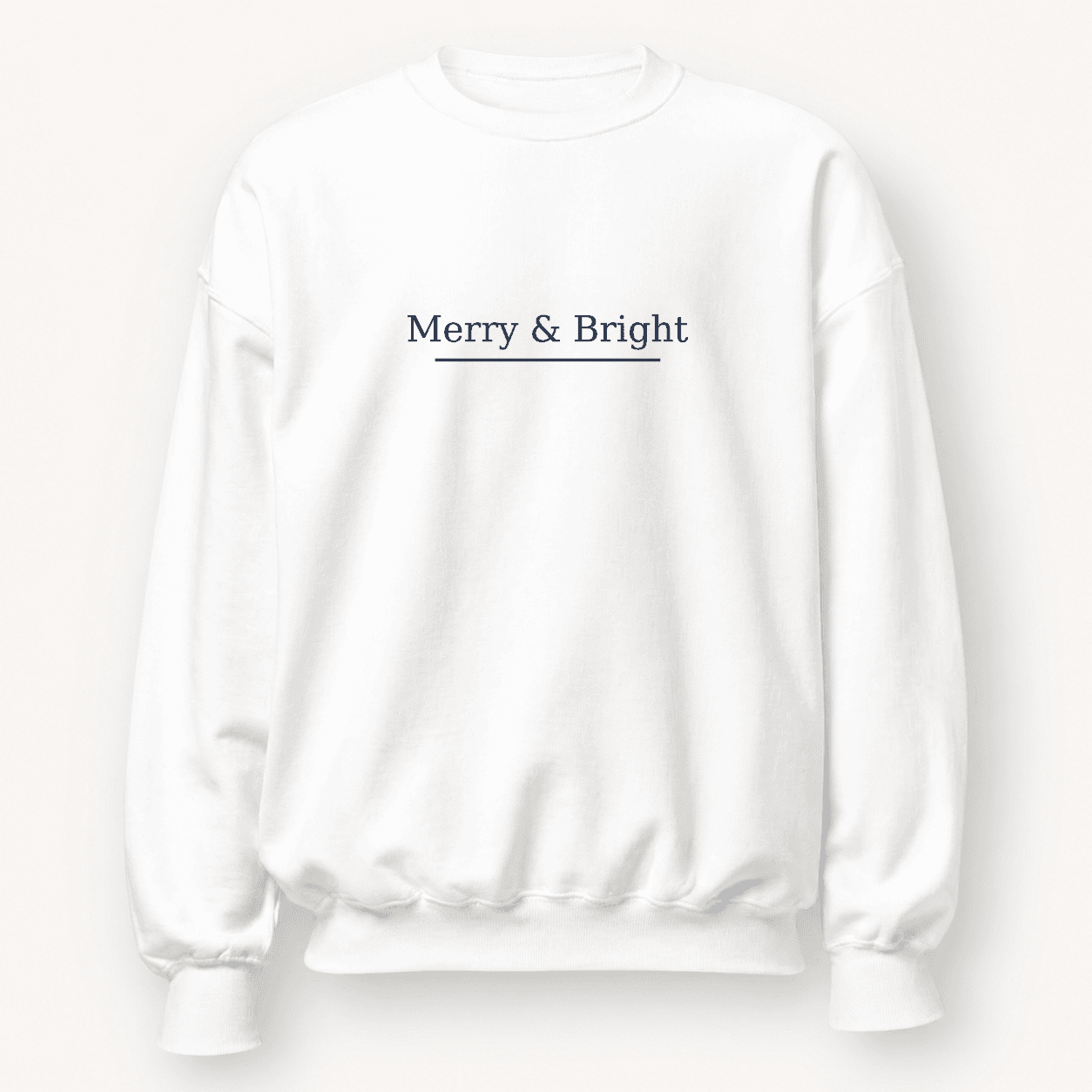
03 / Script
A message for every December
Choose a short phrase without a year if you want a sweatshirt that feels at home next Christmas too.
Try: Name: “Merry & Bright”
Check punctuation and letter shapes in the preview. This is a printed script design, not an embroidered finish.
Personalize script →Decide whether it is a gift or a group uniform
For one person, choose a message or memory they would enjoy wearing. For a holiday photo, settle on a consistent design before collecting sizes. A coordinated set does not have to mean the exact same garment color; compare the actual available colors together.
Check the size guide for this sweatshirt rather than guessing from another brand. Confirm every size and color on the product page. Avoid adding a date if you want the gift to stay relevant beyond this year.
Prepare a photo for your design →Check the gift before you order
Check each item as you go. This checklist resets when you leave the page.
0 of 7 checked
Use the delivery estimate for your order
A holiday guide cannot give one dependable order-by date for every destination, garment, and season. Check the current product and checkout information before ordering. If the timing is tight, contact support with the product and destination before making a plan around it.